CCTV Maintenance Checklist: Cameras, Recording and Remote Viewing
A CCTV system may appear to be running while a camera is offline or recording has stopped. Regular checks help identify problems before footage is needed.
1. Check camera views
- Confirm each camera displays a picture.
- Check focus, glare, night vision and obstructed lenses.
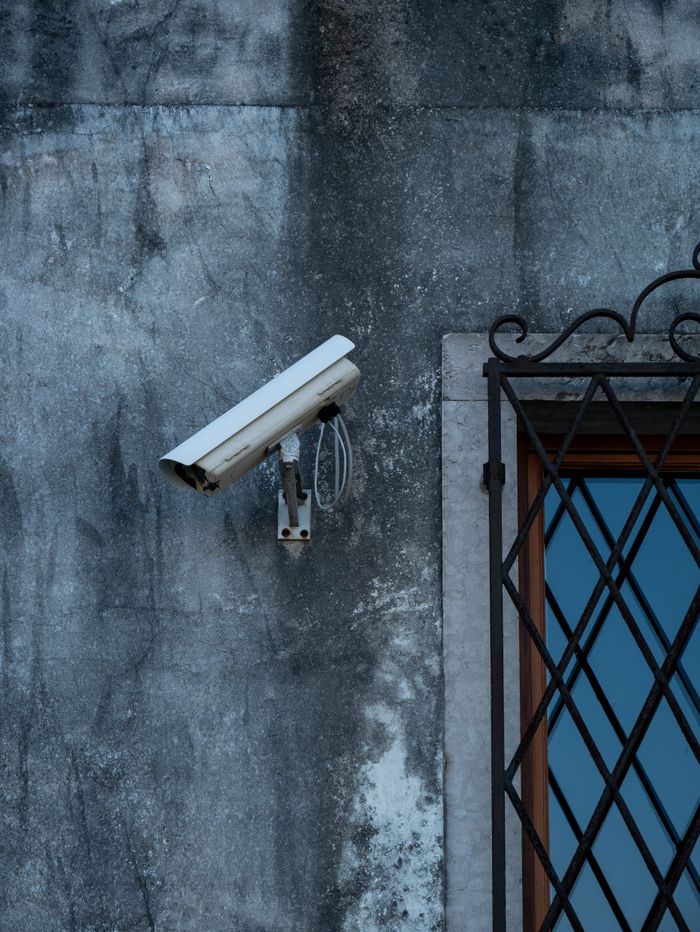
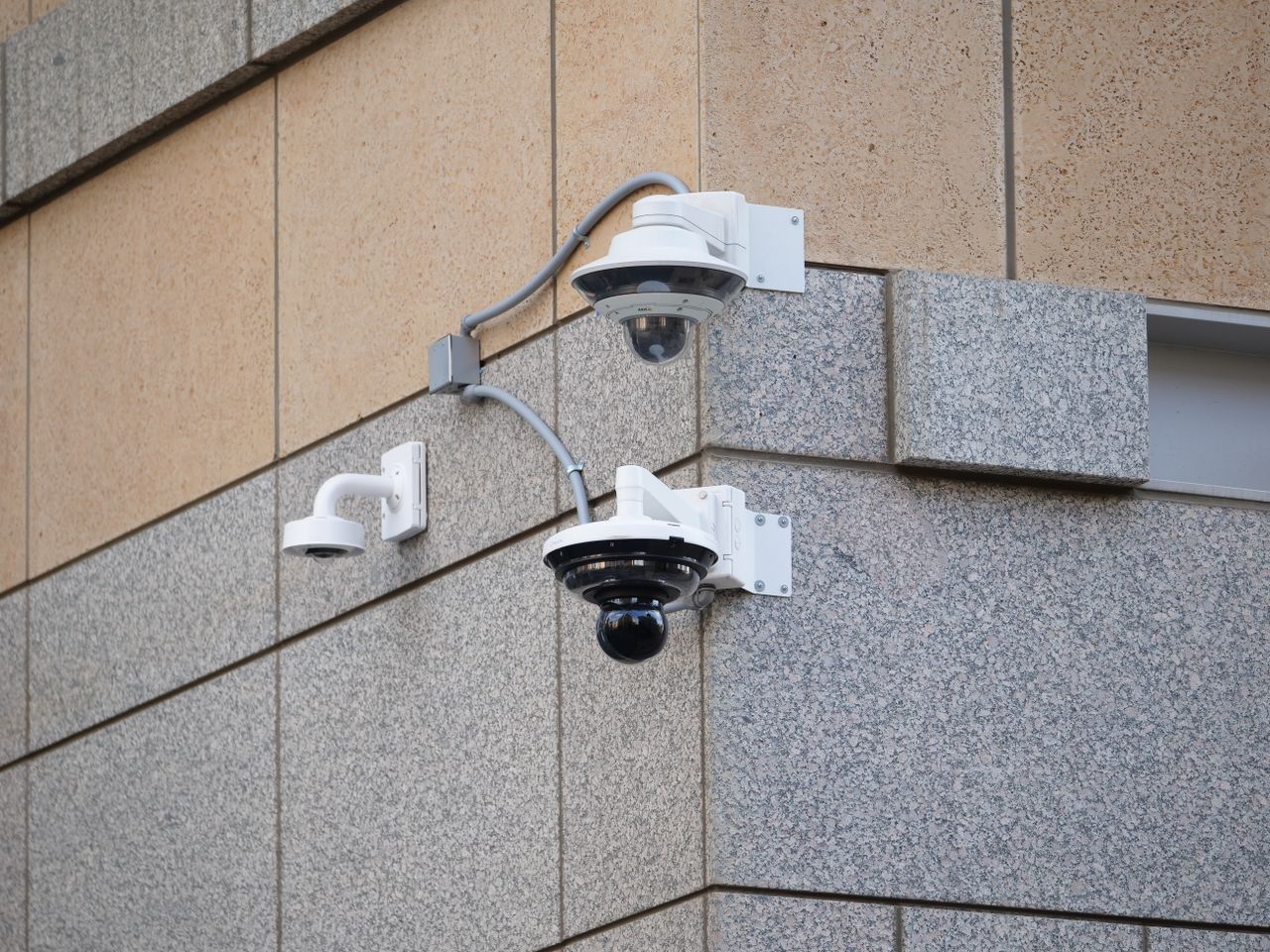
- Look for moisture, physical damage or loose mounts.
2. Test recording and playback
- Confirm the correct date and time.
- Review recent playback from different cameras.
- Check recording schedules and motion settings.
- Review recorder warnings and HDD health indicators.
3. Inspect power and cabling
Look for visible cable damage, loose connectors and unstable power supplies. Electrical work should be handled safely by a qualified person.
4. Verify remote viewing
Check the authorised mobile app or monitoring client, network connectivity and user access. Use strong passwords and remove access for people who no longer need it.
5. Keep a maintenance record
Record faults, the date checked, work performed, parts replaced and any remaining issues. For multi-camera sites, a camera-by-camera checklist makes faults easier to track.
When should you request service?
If several cameras go offline, recording is missing, the recorder repeatedly restarts or remote viewing stops working, note the symptoms and contact a technician rather than repeatedly resetting the system.
ISHNAB ENTERPRISES provides CCTV installation, troubleshooting and maintenance enquiries across Delhi NCR. Explore AMC options or contact us to discuss your system.